App vs. spreadsheet
A spreadsheet can hold the data. It can't tap you on the shoulder.
A well-built spreadsheet can track appliances, contain photos and document links, and stay accessible through a mobile app. The choice is how much setup you want to manage: your own columns and reminder automation, or a home maintenance app with those workflows built in.
Free to download · No account required
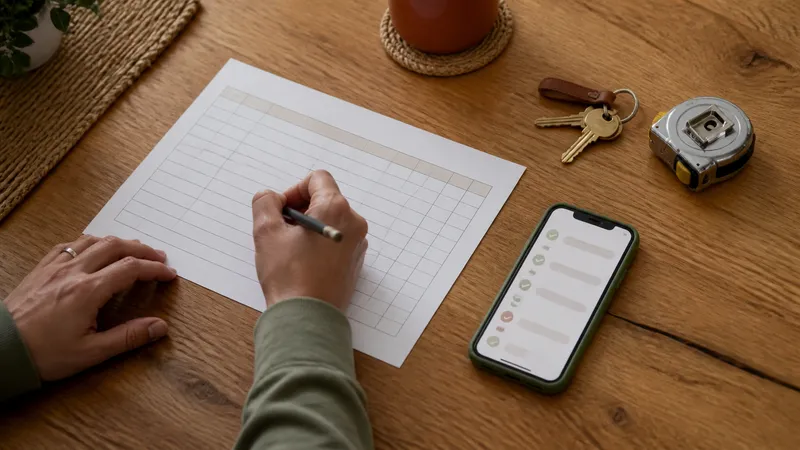
Where a spreadsheet genuinely wins
- It's free and works in a tool you probably already have.
- It's fully customizable — any column, any formula, any layout you want.
- It's not dependent on a company staying in business or an app staying maintained.
- It's easy to share with a spouse, a contractor, or a future buyer as a single file.
If your household already keeps one updated reliably, that habit is worth more than switching tools just because an app exists.
Where a spreadsheet takes more setup
- Reminders need setup. A due date in a cell needs an automation or calendar connection to become a scheduled notification.
- You organize the attachments. Spreadsheet tools can embed photos and link to manuals or receipts. You decide the columns, file permissions, and naming system that keep each record understandable.
- Entry is manual and error-prone. Typing a 16-digit serial number from a blurry label wrong means the record is wrong from day one.
- Mobile layout needs attention. Cloud spreadsheet apps work on phones, but a wide inventory table may need a simpler view to be convenient in a store aisle.
- Choose your sharing model. Cloud spreadsheets can sync automatically. Offline files require a separate sharing or backup arrangement, and either approach needs sensible access permissions.
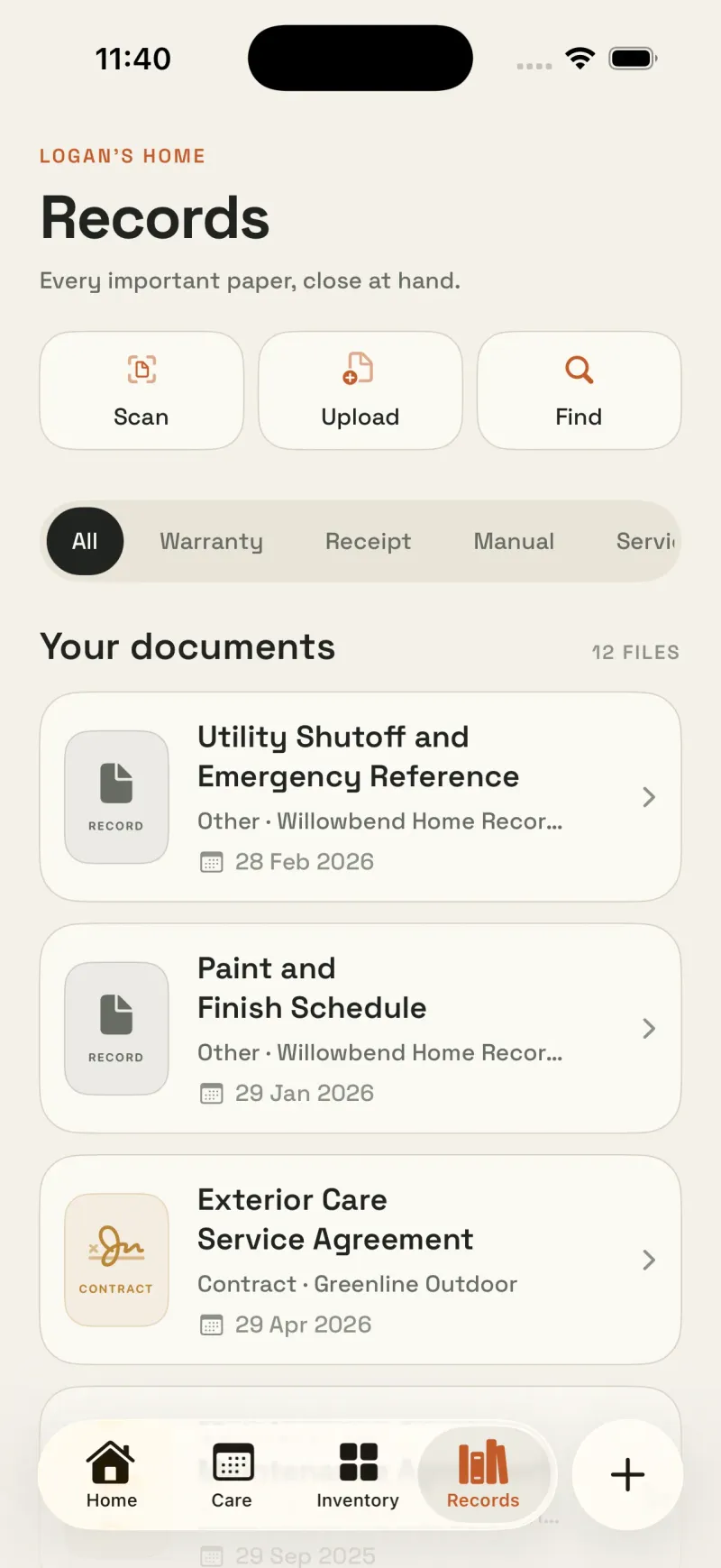
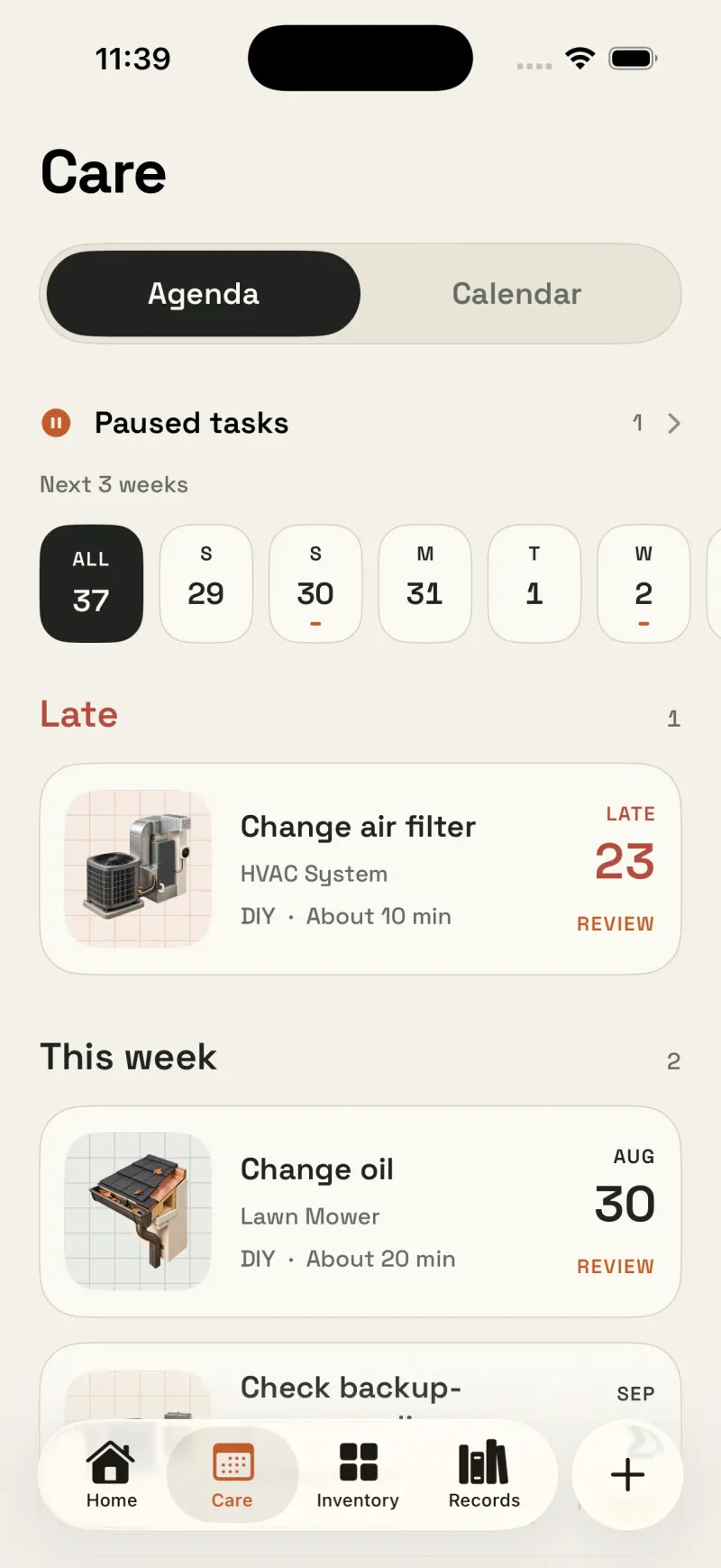
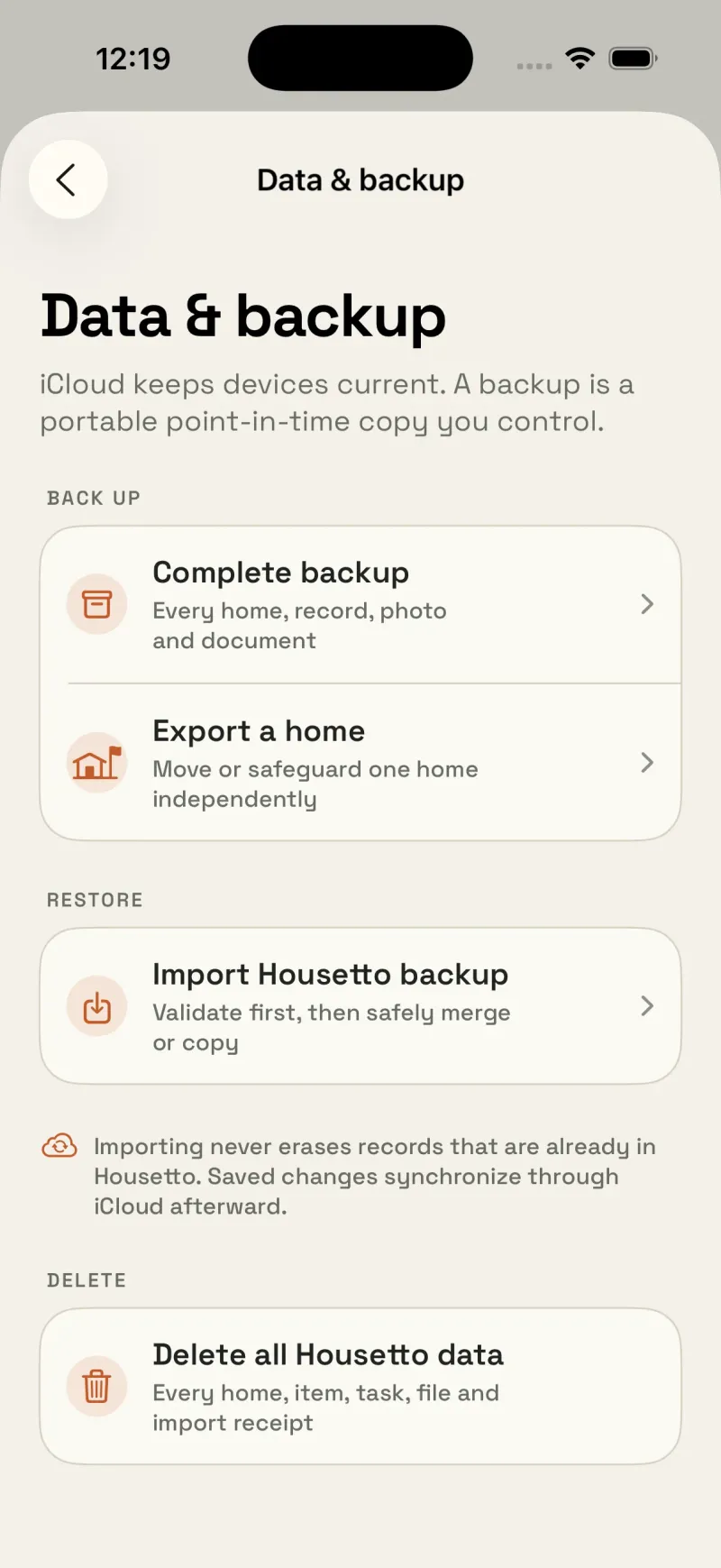
Google Sheets supports images within cells, including on mobile. The difference here is how you organize and maintain the workflow.
Side-by-side comparison
| Capability | Spreadsheet | Housetto |
|---|---|---|
| Cost | Free | Free to start; subscription or one-time purchase unlocks full access |
| Setup effort | You build the structure yourself | Guided setup builds your plan from your home's details |
| Reminders before a task is due | No, unless you build your own automation | Yes, with a lead time you set |
| Photo/document attachments per item | Embedded photos and document links, depending on the tool | Photos, receipts, and manuals stored with the item |
| Data entry | Manual typing | Camera-based nameplate scan, plus manual entry |
| Access on your phone in the moment | Depends on the app you view it in | Native iPhone app, built for that moment |
| Sync across devices | Automatic with cloud tools; local files need a sync arrangement | Private iCloud sync, automatic |
| Account required | Depends on where it's hosted | No — uses your own iCloud |
| Portability if you switch tools | Just a file | Full backup archive, exportable anytime |
How to decide
Ask yourself which failure mode you're more worried about: forgetting to check the spreadsheet, or losing structure and customization by switching to an app. If your household already has a maintenance spreadsheet you update every season without fail, keep it — that consistency is rare and valuable. If your current system is closer to a mental note and a drawer of receipts, a reminder that actually reaches your phone will very likely outperform a spreadsheet nobody opens.
You don't have to choose all-or-nothing on day one. A lot of people start Housetto with just the systems and appliances that would hurt most to lose track of — water heater, HVAC, the big kitchen appliances — and expand from there.

Try the app version for one appliance
Free to download, no account required. See what a reminder that actually reaches you feels like.
Download on the App StoreFrequently asked questions
- Isn't a spreadsheet good enough for tracking home maintenance?
- Yes. A spreadsheet can hold your inventory, photos, and document links, and cloud spreadsheet apps offer mobile access and sync. The tradeoff is the work to build and maintain your own structure and connect due dates to reminder automation.
- Can I move my spreadsheet data into Housetto?
- Housetto doesn't currently import spreadsheet data automatically — you add appliances by scanning the nameplate or entering details manually. Most people start with the systems and appliances that matter most rather than migrating an entire spreadsheet at once.
- What does a spreadsheet do better than an app?
- Flexible columns and formulas, plus a choice of free tools. A locally saved file can work offline; cloud features depend on the service and settings you choose. If your household already updates a shared spreadsheet reliably, that consistency is worth more than switching tools for its own sake.
- Which workflows does Housetto provide out of the box?
- Push reminders that reach you before a task or warranty deadline, a camera-based nameplate scan instead of manual data entry, receipt and photo attachments tied to each service record, and sync across your devices without you managing a shared file.
- Is Housetto free?
- Housetto is free to download and set up, with no account required. A subscription (with a free trial for eligible new users) or a one-time lifetime purchase unlocks full access to every feature.