Centriq users, start here
Moving on from Centriq? Give your home records a new home.
If you are moving your appliance records out of Centriq, start with the files you already have. Housetto offers model and serial capture, warranty tracking, and service history on iPhone, with local records, optional private iCloud sync, and backup export.
Free to download · No account required
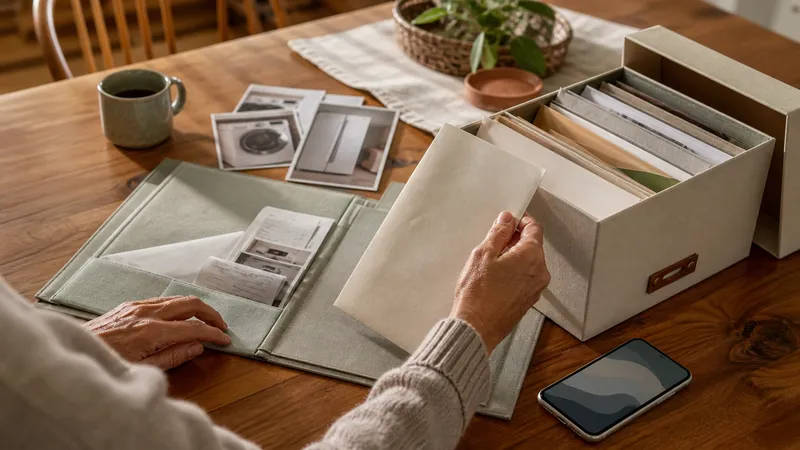
Start with the records you have
Keep any CSV export, downloaded manual, receipt, or label photo you already have. We cannot verify the recoverability of individual Centriq accounts. Homer also provides a route for people seeking a Centriq replacement; compare its current migration options if importing existing records is your priority.
Moving records between apps is a useful time to review portability. Two questions are worth asking before you rebuild those records anywhere: does the app require an account with a company that could disappear, and can you get your data back out if it ever does?
What a Centriq replacement needs to cover
Model & serial capture
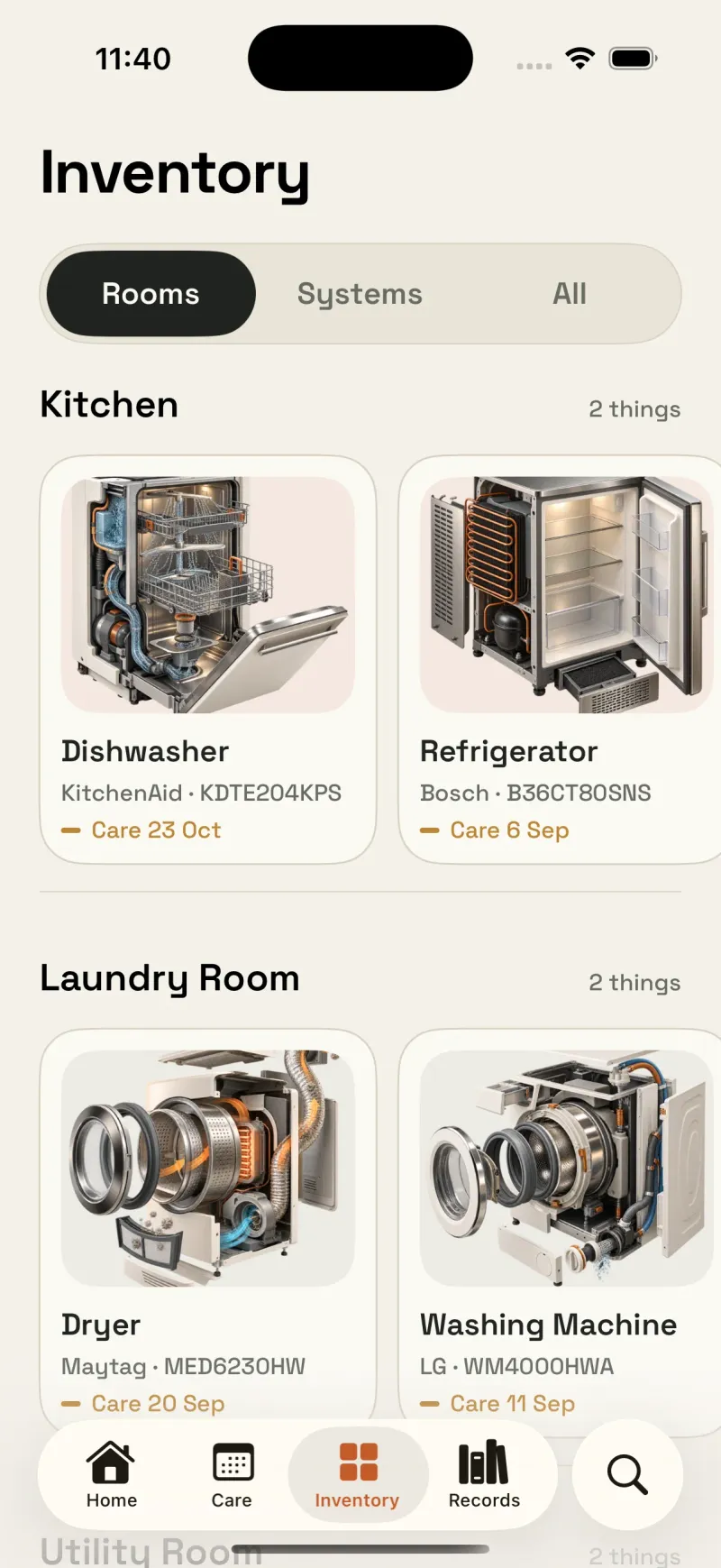
A photo of the nameplate and searchable model/serial fields per appliance — kept with the appliance they identify.
Warranty tracking
A warranty date per item with a reminder before it expires, not one shared warranty nag for the whole house.
Service history
A log of repairs and maintenance tied to the specific appliance, with receipts or photos attached as proof.
Manuals & documents
Manuals, receipts, and warranty paperwork stored with the item and searchable across your whole home.
Local records and backup export
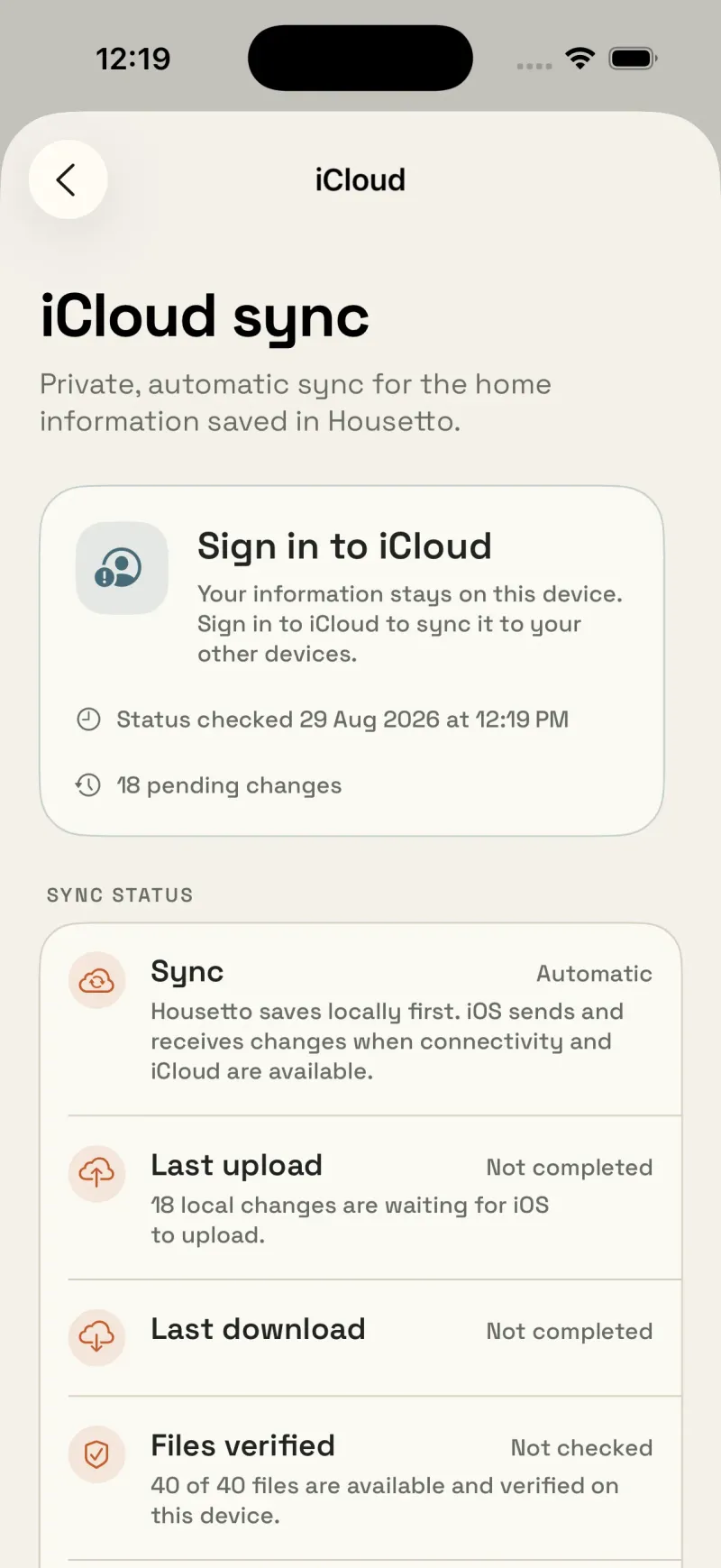
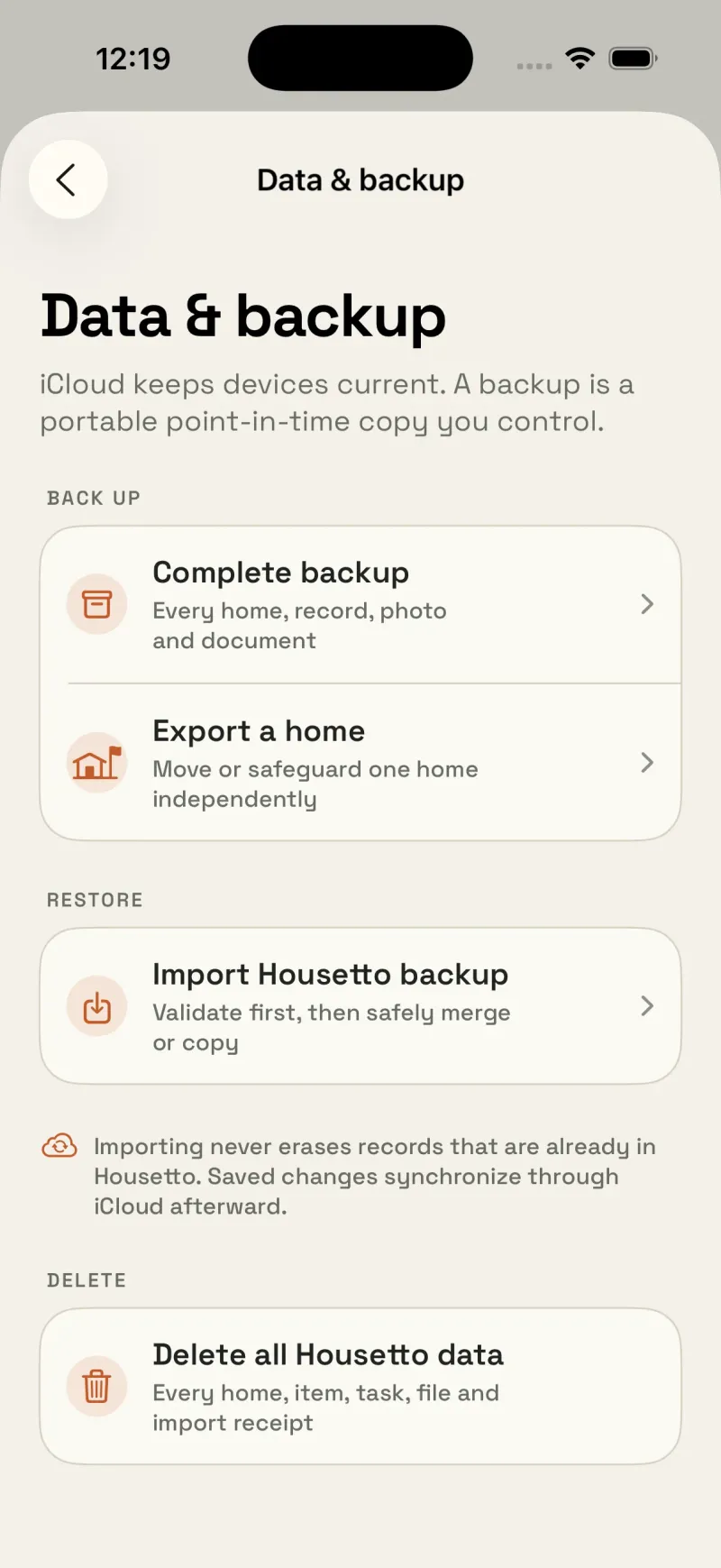
No required account — your records sync through your own private iCloud, and you can export a full backup archive at any time.
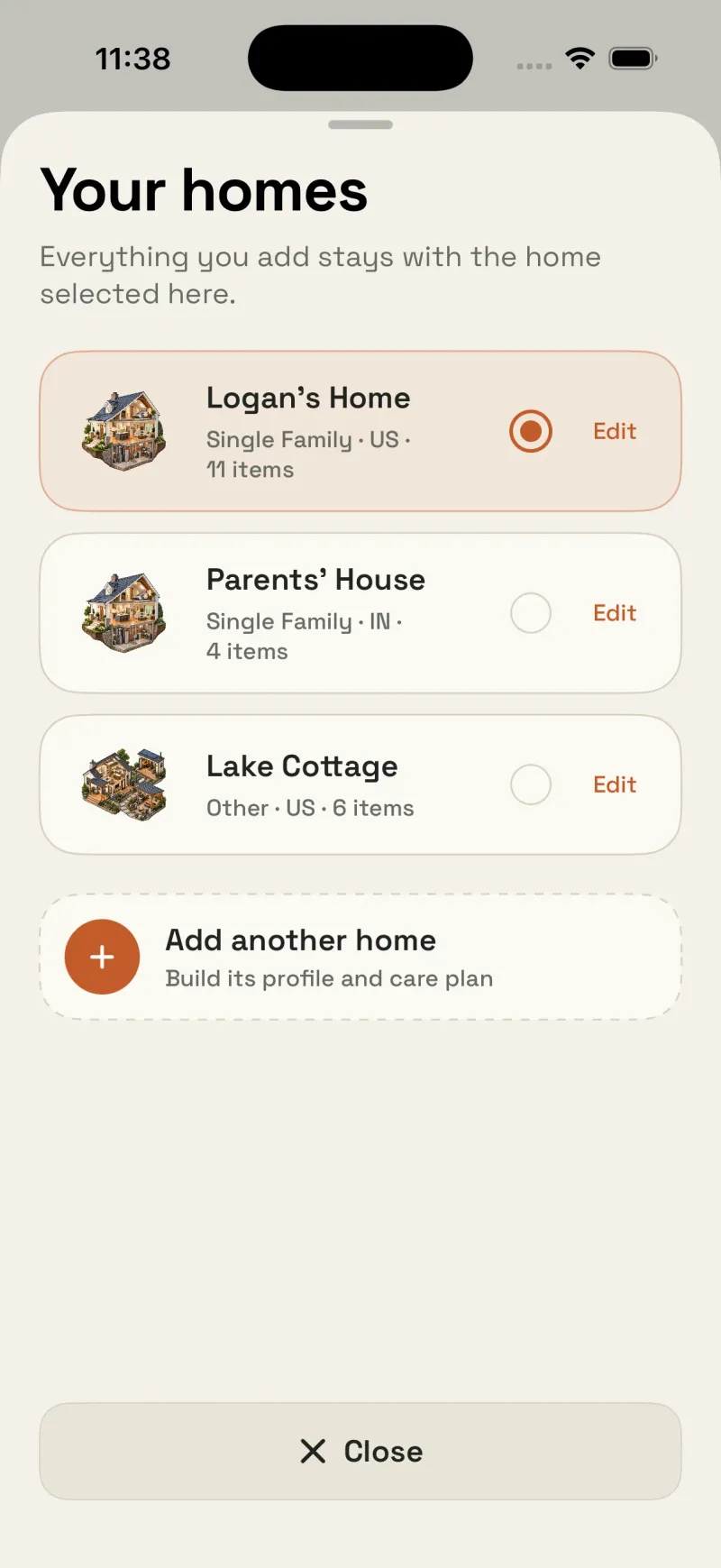
Room for more than one home
Manage a rental, a vacation property, or help a family member track theirs, without separate logins.
A checklist for rebuilding your records
| Feature | Your existing Centriq records | Housetto |
|---|---|---|
| Status | Check which records you can still access or have exported | Active, in active development |
| Model/serial capture | Check your export for these fields | Yes — nameplate photo plus model/serial fields |
| Warranty tracking | Keep dates and original warranty documents | Yes, with a configurable reminder lead time |
| Service history | Preserve any repair notes and invoices | Yes, with receipt/photo attachments |
| Account required | Check access to your existing account or copies | No — uses your own private iCloud |
| Data portability | Use whatever exports and original documents you retained | Full backup archive, exportable anytime |
| Multiple homes | Keep each property identified in your files | Yes |
Moving your records over
- Find your Centriq CSV export if you made one — it's a useful checklist even though it won't import automatically.
- Start with the appliances that would hurt most to lose track of: water heater, HVAC, major kitchen appliances.
- Scan each nameplate as you go — check the captured text against the label, and keep the photo for reference.
- Re-enter warranty dates and set your reminder lead time for each one.
- Once your core appliances are in, export a Housetto backup archive so you have your own copy going forward.

Rebuild your home's records — this time, portable
Free to download, no account required. Your data stays yours, with a backup you can export anytime.
Download on the App StoreFrequently asked questions
- Is Centriq really shut down?
- Centriq users are looking for replacement tools, and Homer now explicitly offers a Centriq replacement route. We have not verified an original shutdown notice, so we do not assert an exact closure date or the status of individual accounts.
- Can I get my Centriq data back?
- We cannot determine whether your old records are recoverable. Check your own exports, downloads, email attachments, and device backups for copies. Keep any original files you find; Housetto cannot recover data from another service.
- Does Housetto import a Centriq CSV export?
- Not automatically today. If you have a Centriq CSV export, you can use it as your own checklist while re-adding appliances in Housetto — you can scan each nameplate or enter the details manually, checking them against the original label.
- What records can I keep in Housetto?
- Housetto provides per-appliance records with model and serial number, warranty tracking with reminders, service history, and manual/document storage. It also provides a maintenance plan built around your home's climate and systems, plus support for managing more than one home.
- Is Housetto going to shut down too?
- No company can promise permanence, but two things are structurally different here: Housetto doesn't require an account, so your records already live on your device and sync through your own iCloud rather than a company-run server, and you can export a full backup archive of your data at any time. Keep original documents separately too, and test that you can restore your backup.