For appliance owners
The appliance tracker app that gives every appliance its own record
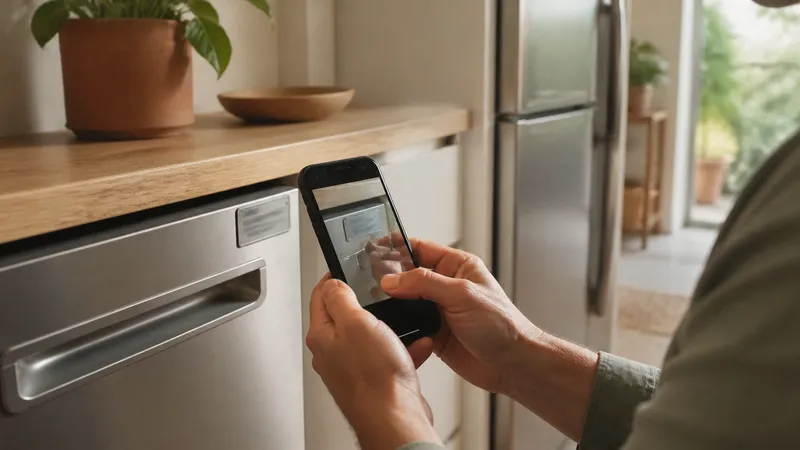
Where's the manual, when's the warranty up, when did we last service this — Housetto turns every one of those questions into a single tap. Scan the nameplate once, and the model, serial, filter size, warranty, and every service visit live under that one appliance from then on.
Free to download · No account required
The problem with tracking appliances in notes, email, and a junk drawer
Every appliance in your home comes with a moment where you need one specific fact fast — the model number for a part order, the serial number for a warranty claim, the filter size before you're standing in the store aisle, the install date when a repair tech asks how old the unit is. Most of that information exists somewhere: a photo you took once, a PDF buried in email, a receipt in a drawer, a sticky note. The problem isn't that the information doesn't exist. It's that it isn't attached to the appliance, so you can't find it when the appliance is the thing failing.
A generic checklist app doesn't fix this — it just adds another list. An appliance tracker fixes it by giving the appliance itself a permanent home for its own facts.
What Housetto actually does for each appliance
Nameplate scan, once
Photograph the manufacturer label when you unbox or first notice an appliance. That photo and the model/serial fields stay attached to the item permanently — useful later even if the label becomes unreadable or unreachable.
Filter and service reminders
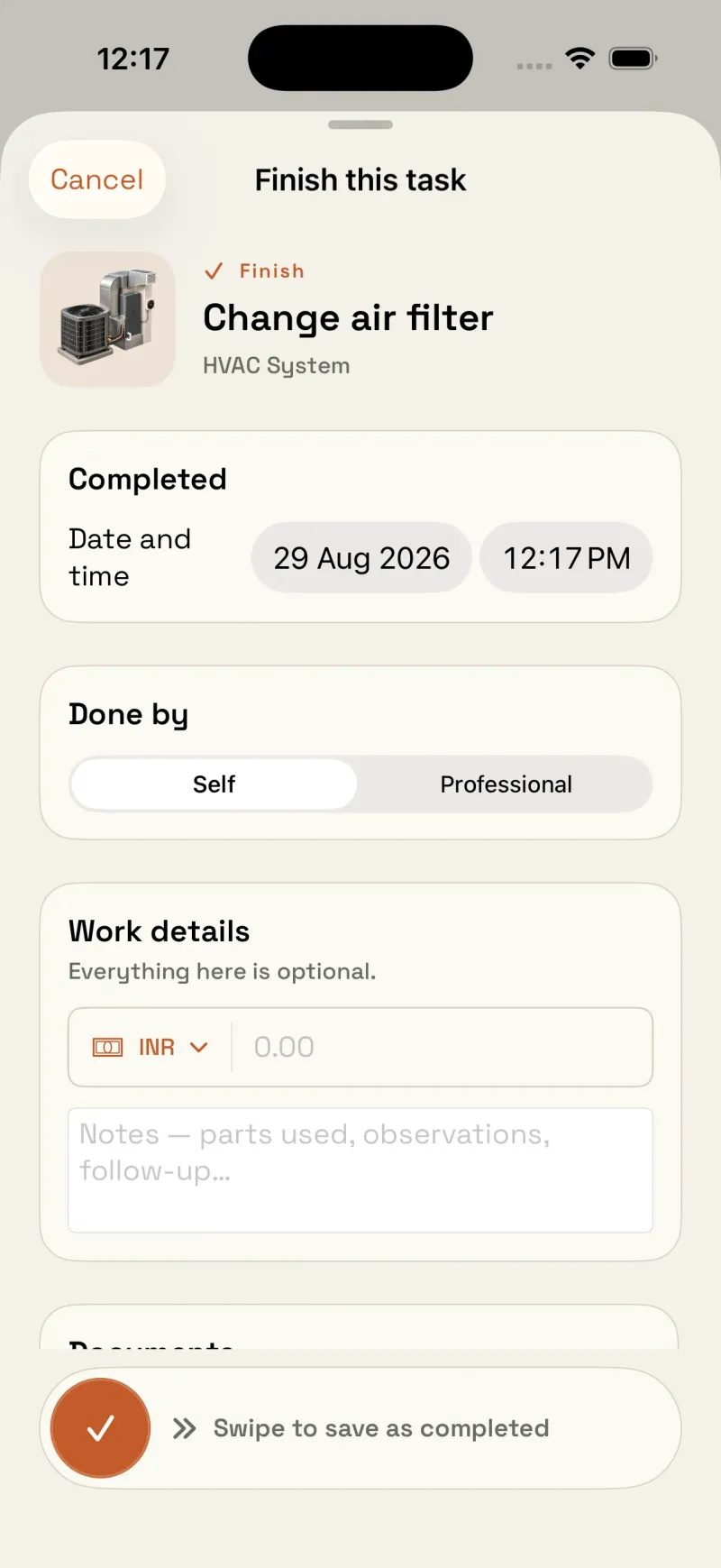
Built-in maintenance schedules cover common tasks, or set a fully custom interval — anywhere from 1 to 730 days — for a specific filter size or a manufacturer-recommended cadence.
Warranty tracking, per item
Each appliance holds its own warranty details with a configurable alert lead time, so a short manufacturer warranty and a long extended one don't get lost in the same pile.
Service history with proof
Log a repair or service visit with the provider, cost, notes, and a receipt or photo attached — useful for a technician, an insurance adjuster, or a future buyer.
Manuals and documents
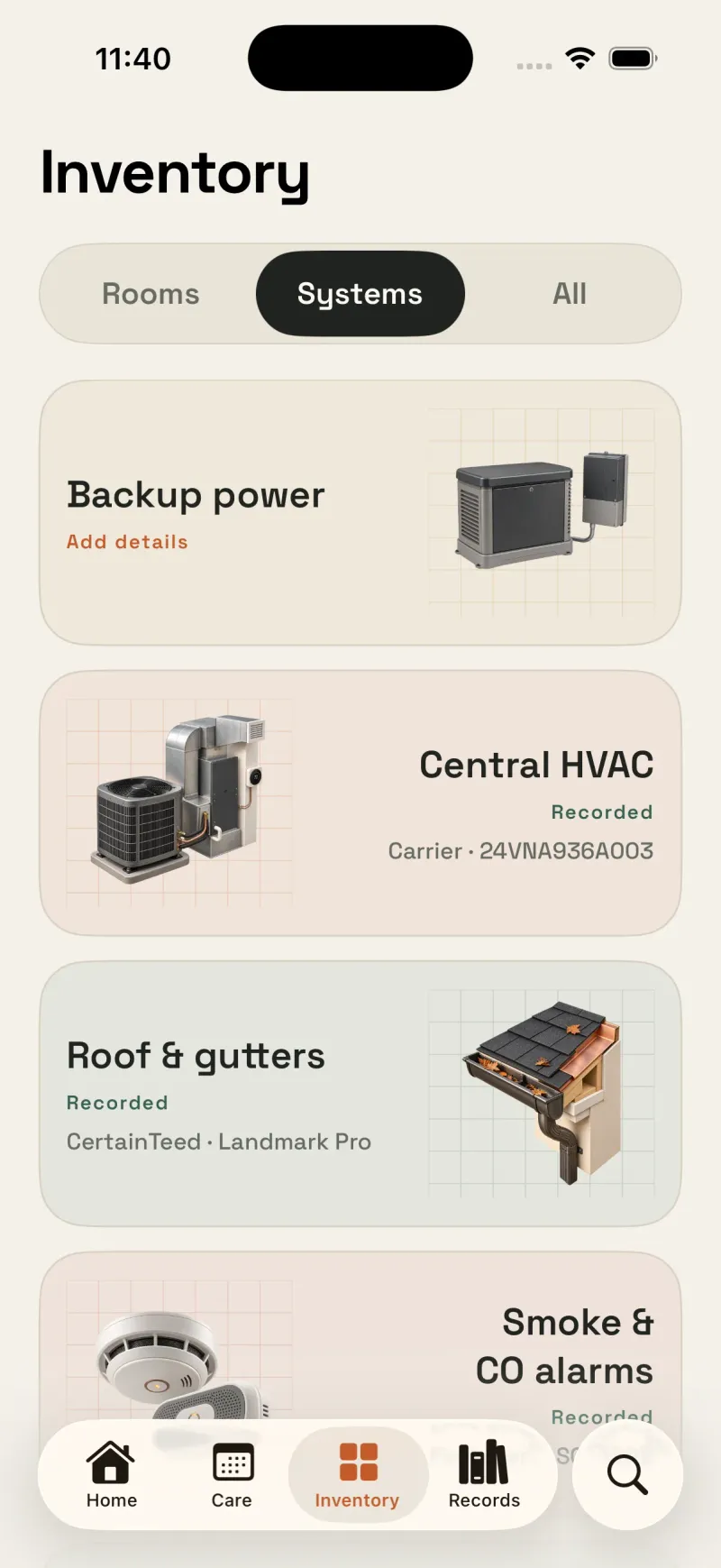
Store the manual, the purchase receipt, and any other document with the appliance, and search across your whole home when you only remember a partial detail.
Private iCloud sync
Records sync across supported iPhones with your own private iCloud account — no Housetto account, no ad business built on your home’s data.
Appliance tracker app comparison
Set side by side against two familiar ways to track appliances — a notes app or a spreadsheet — the gap is in what's attached to each item, not just whether the information exists somewhere.
| What you need | Notes app / photo album | Spreadsheet | Housetto |
|---|---|---|---|
| Model & serial per appliance | Typed notes or label photos; search varies by tool | Yes, if you type it in | Yes — captured from the nameplate photo |
| Filter/service reminders per item | No | Requires a reminder integration or automation | Yes, built-in or fully custom interval |
| Warranty alert, per item | No | Only with manual upkeep | Yes, configurable lead time |
| Service history tied to the item | Organized manually by item | Rows with optional photos and document links | Yes, with receipt/photo attached |
| Manual/document storage | Attachments or files you organize | Linked or embedded files, depending on the tool | Stored and searchable in the app |
| Syncs across your devices | Depends on the app | Depends on where it's saved | Private iCloud sync, no Housetto account |
How to set up an appliance tracker that actually gets used
- Start with the appliance that would hurt most to lose track of — usually the water heater, HVAC system, or refrigerator.
- Photograph the nameplate before the label becomes hard to reach, especially for built-ins.
- Add the purchase receipt and manual while you still have them, not after you need them.
- Turn on reminders for the one filter or service task you're most likely to forget.
- Add the next appliance the next time you're already near it — you don't need to do the whole house in one sitting.

Give your appliances their own record
Housetto is free to download and set up — no account required. Scan your first appliance in under a minute.
Download on the App StoreFrequently asked questions
- What makes Housetto an appliance tracker app instead of just a checklist app?
- Housetto gives every appliance its own record — model number, serial number, install date, filter size, service history, warranty date, and manual — the way a mechanic's shop keeps a file per vehicle instead of one note for the whole fleet.
- How do I add an appliance to Housetto?
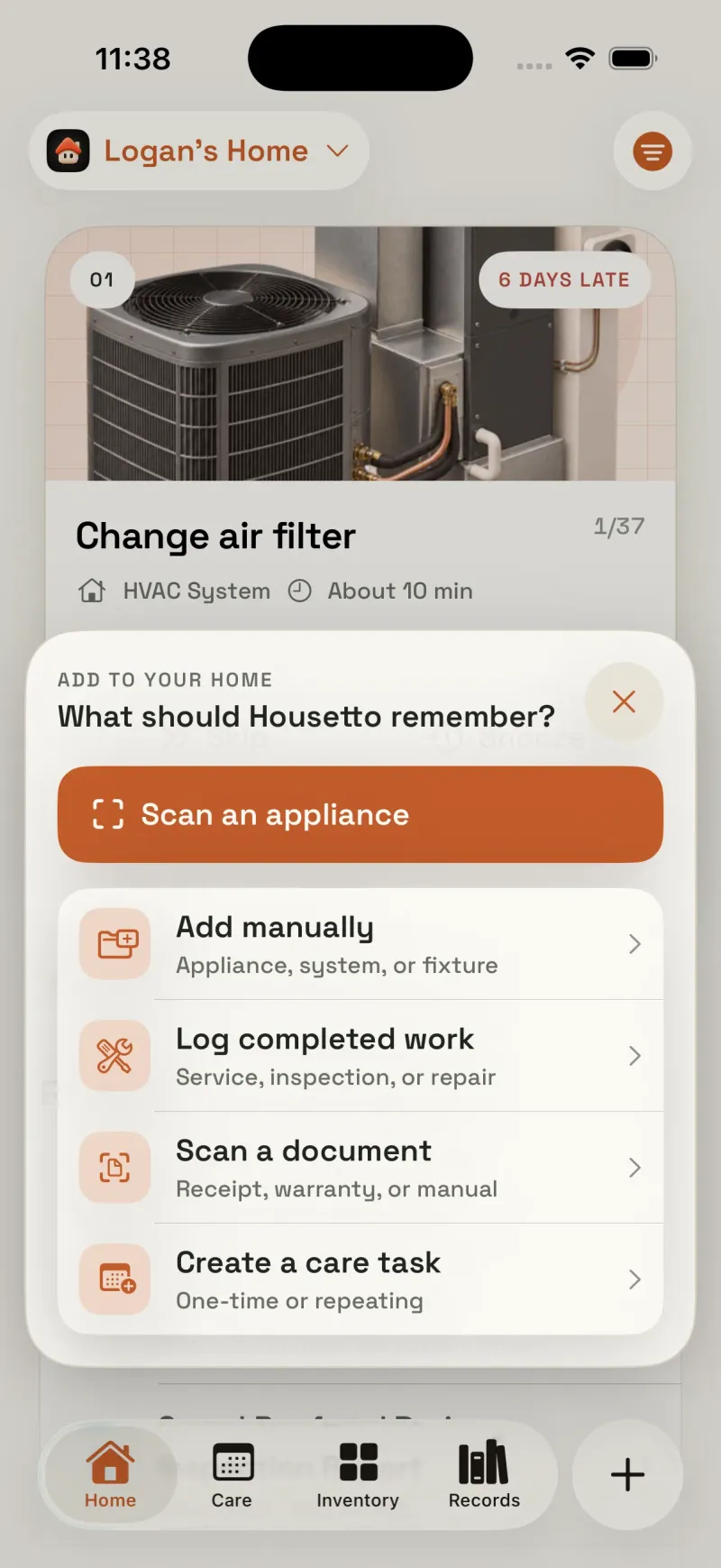
- Point your camera at the nameplate — the manufacturer label with the model and serial number — and Housetto captures a photo of it as part of the item's record so you never have to find that label again once the appliance is installed, boxed in, or wall-mounted. You can then set its room, category, purchase details, and photo.
- Does Housetto track appliance warranties?
- Yes. Each item's record holds its own warranty information, and you can set how many days of lead time you want before a reminder fires, so a 2-year dishwasher warranty and a 10-year water heater warranty don't share one generic nag.
- Can I set custom filter and service reminders per appliance?
- Filter and service tasks use built-in maintenance schedules, or you can set a fully custom interval from 1 to 730 days for anything the built-in schedule doesn't cover — a specific water filter cadence, a niche HVAC filter size, whatever your manual actually says.
- Where does the data live, and can I get it out?
- Records sync privately across your devices with iCloud — Housetto does not require an account and is not built around an ad or data business. You can also export a full backup archive of your home's records at any time and restore it on a new device.
- Is Housetto free?
- Housetto is free to download and set up, with no account required. A subscription (with a free trial for eligible new users) or a one-time lifetime purchase unlocks full access to every feature — check current pricing on the App Store.